YumeTower

A tower-management simulation for iPad, Mac and iPhone. You build the skyscraper, draw its facade, walk through it at eye height, and watch the people who end up inside it.

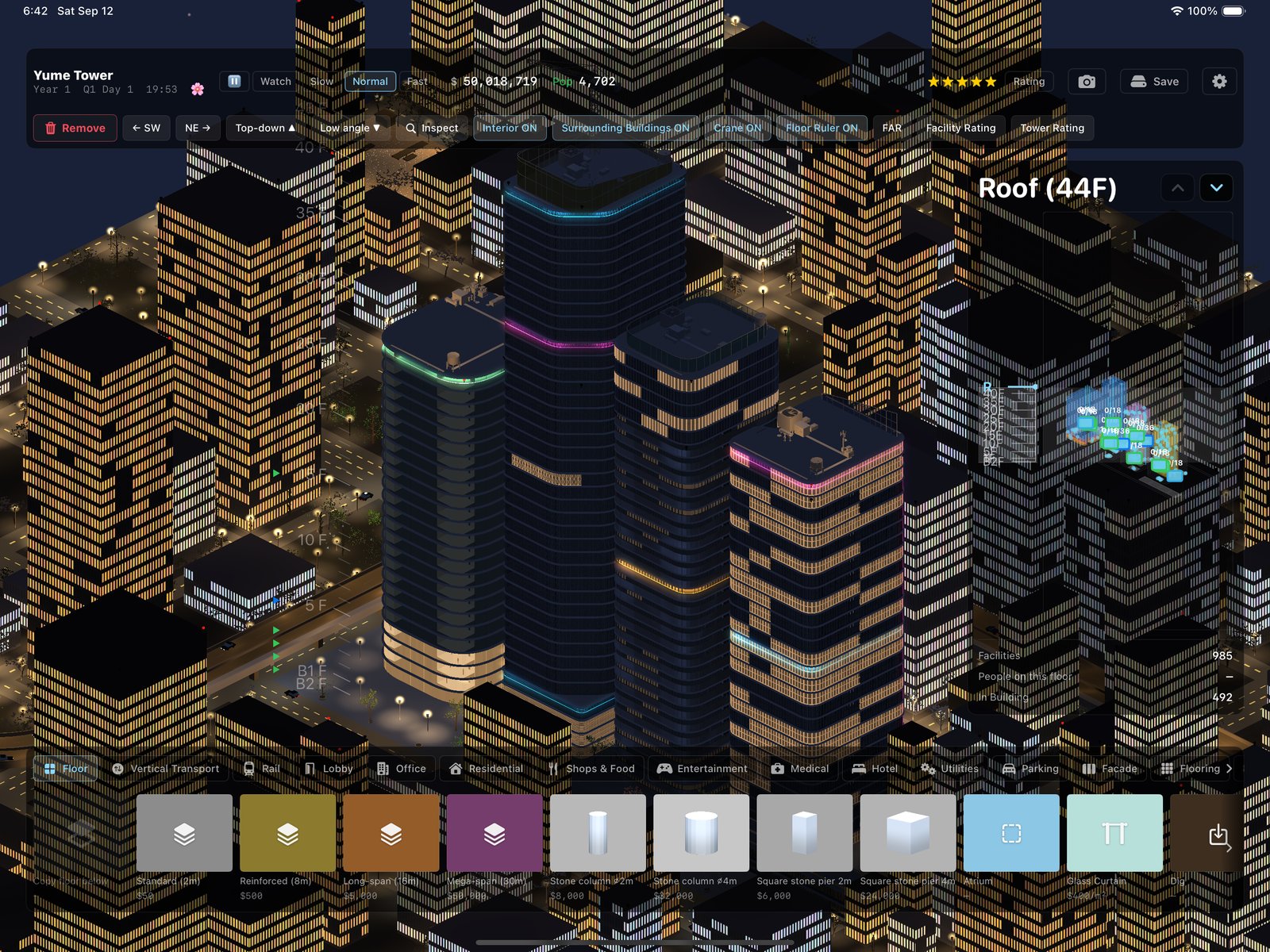
Four ribbon towers glowing with neon above a night city
Four towers, one plot, most of the neon budget.

Get it

Download on the App Store

Free to try. One purchase unlocks everything: no ads, no subscription, no account, plays offline. Details in the FAQ. Anything currently broken is listed under known issues.

What you can do

Drawing the facade

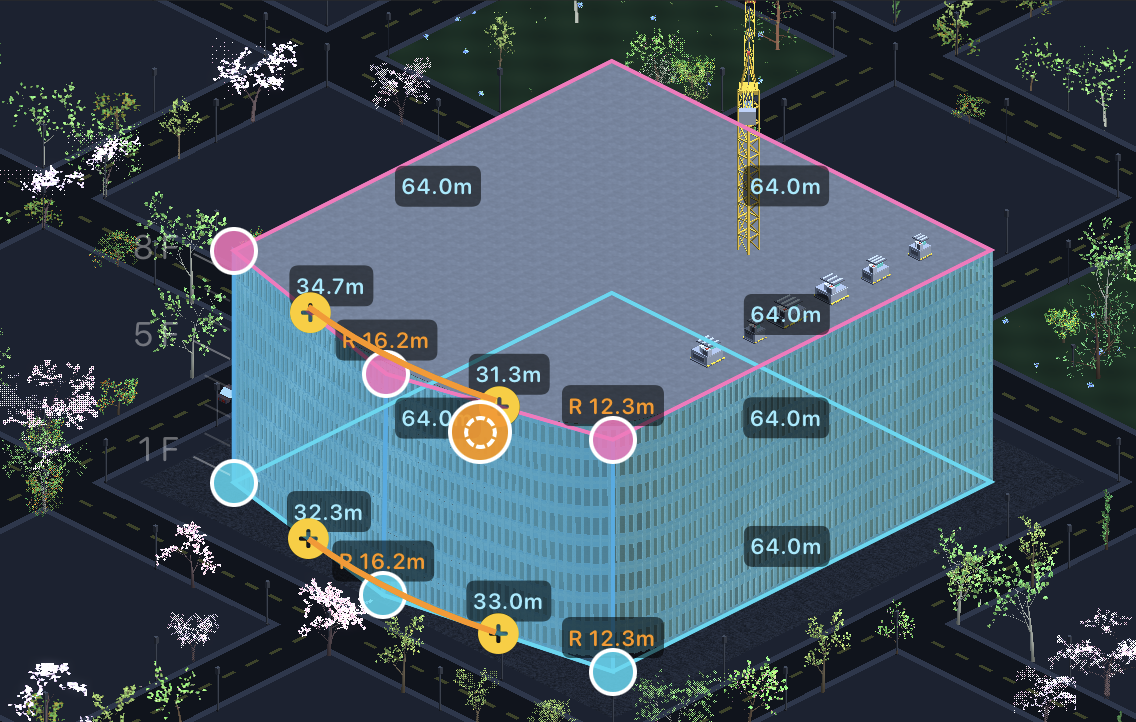
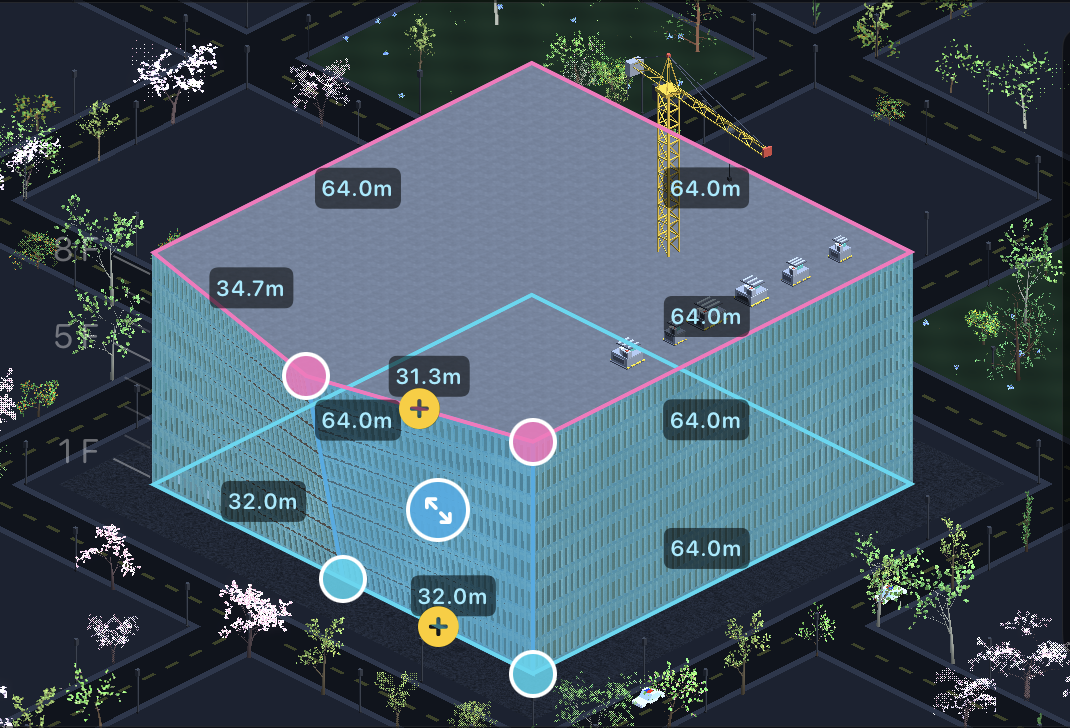
Every building starts as a plain box. You drag the corner handles to change it, floor by floor. The walls stay actual 3D geometry while you do this, so the window frames bend around a rounded corner properly instead of being painted on flat.
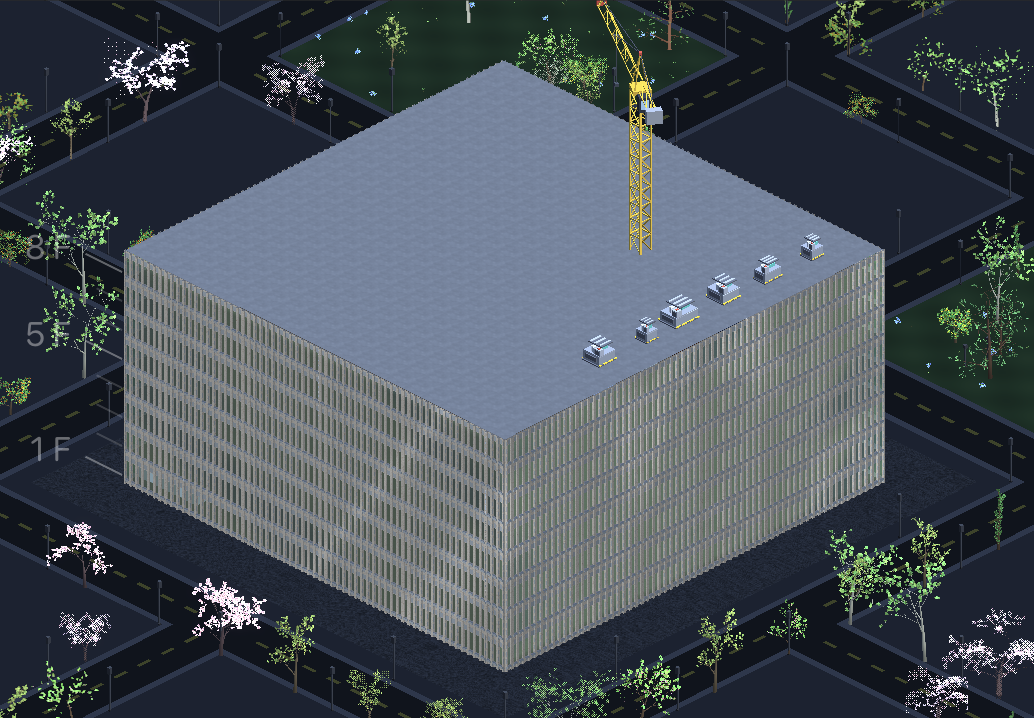
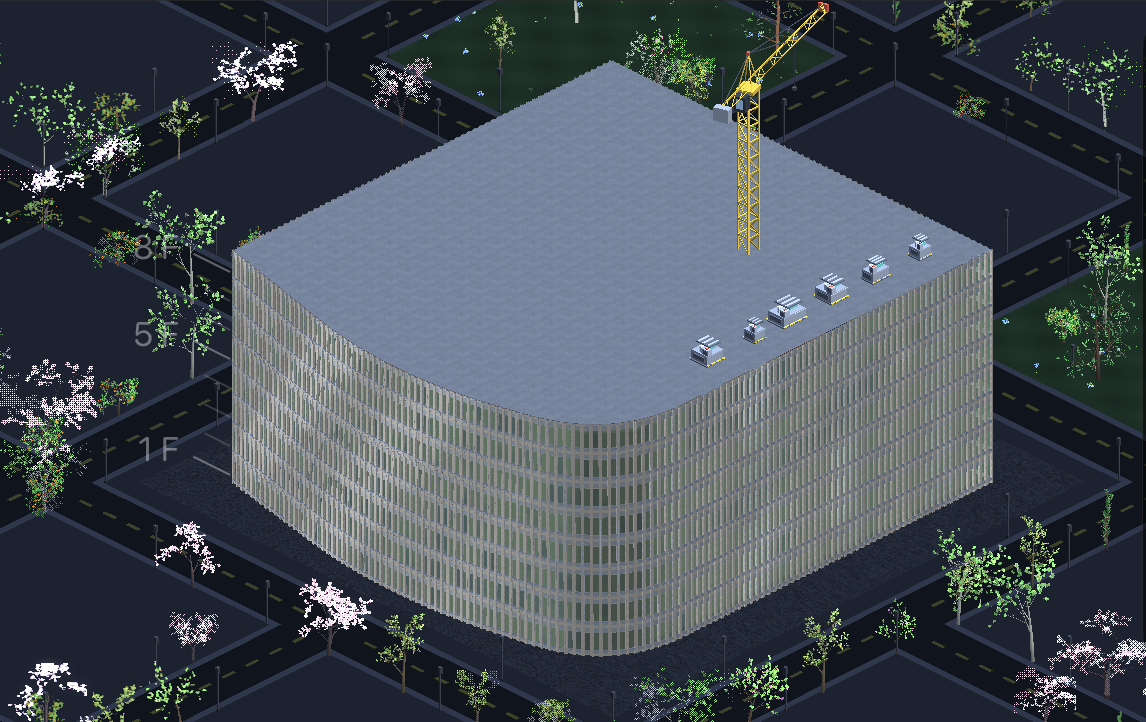
A plain rectangular tower The same tower with editing handles shown The tower with its corners being rounded The finished tower with rounded corners
The same building at four points during editing.
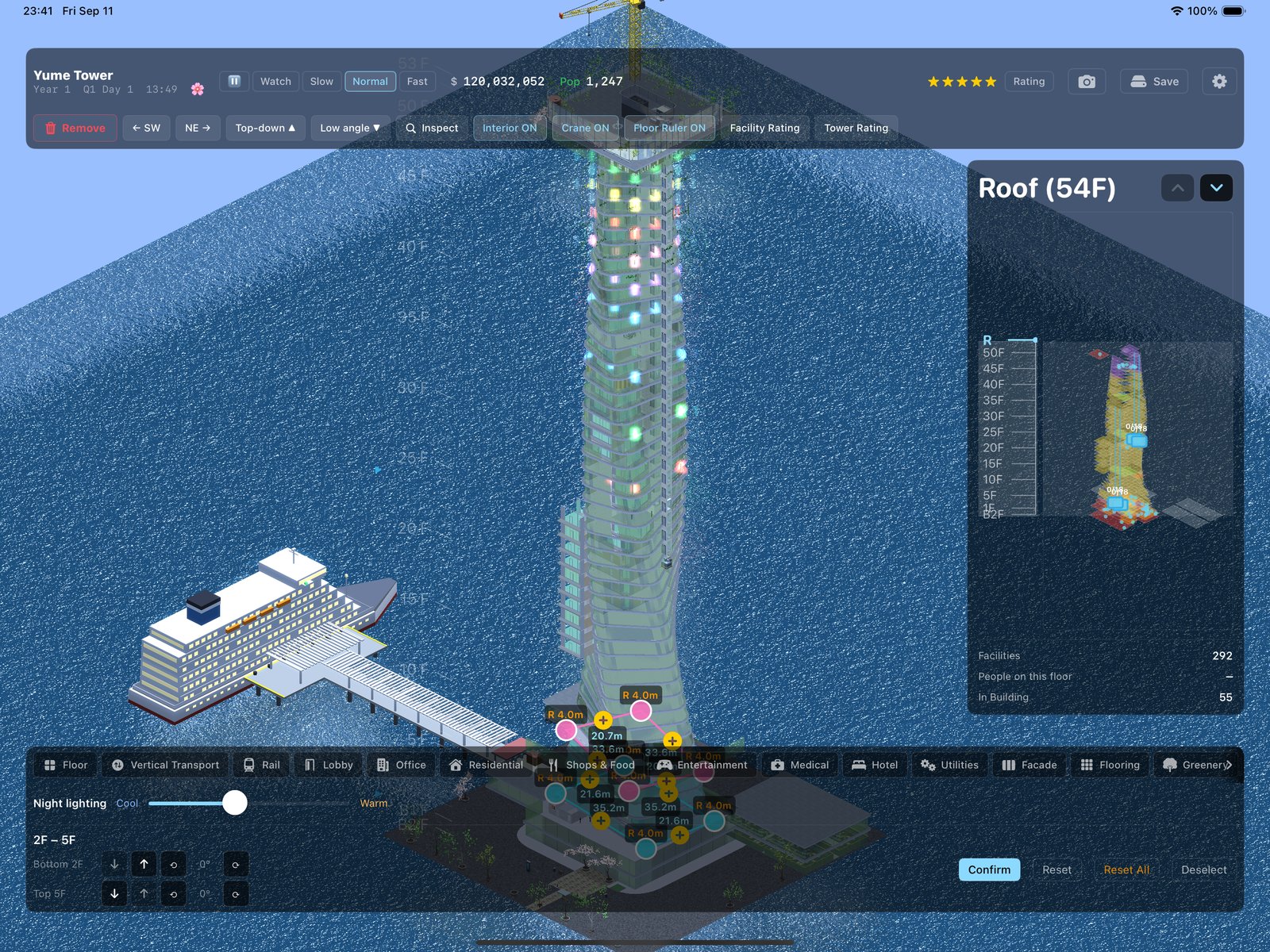
A twisted spiral tower being edited with pink and cyan control handles
The shape tools go further than boxes. This one tapers and twists 53 floors over the sea; the pink and cyan handles set each corner's position and fillet radius, and the dimensions update as you drag.

Rooms that lay themselves out

The rooms inside are not pre-drawn. When you change the outer wall, each office works out a new layout to fit, and moves its desks, partitions and corridors to suit whatever shape you have made.
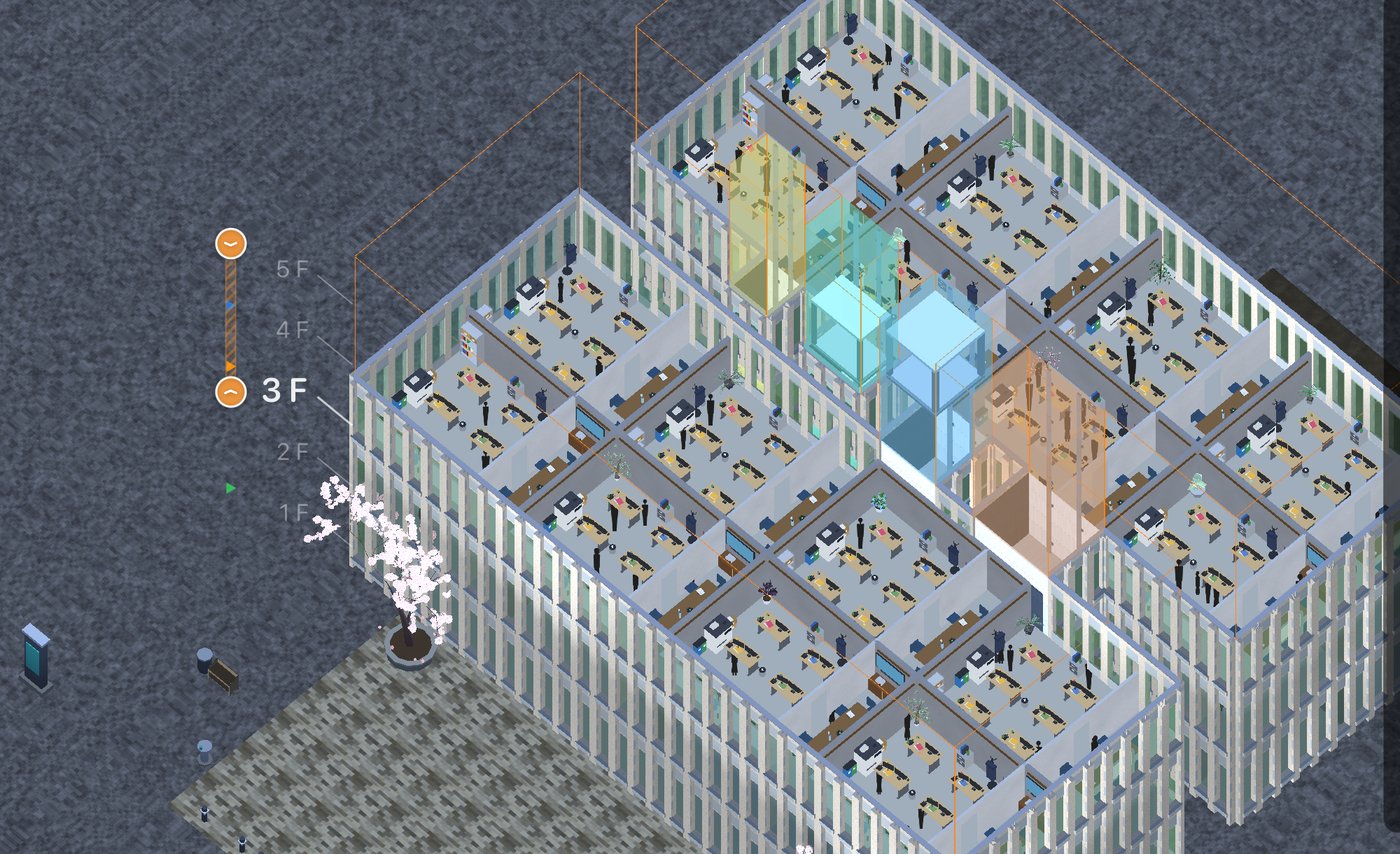
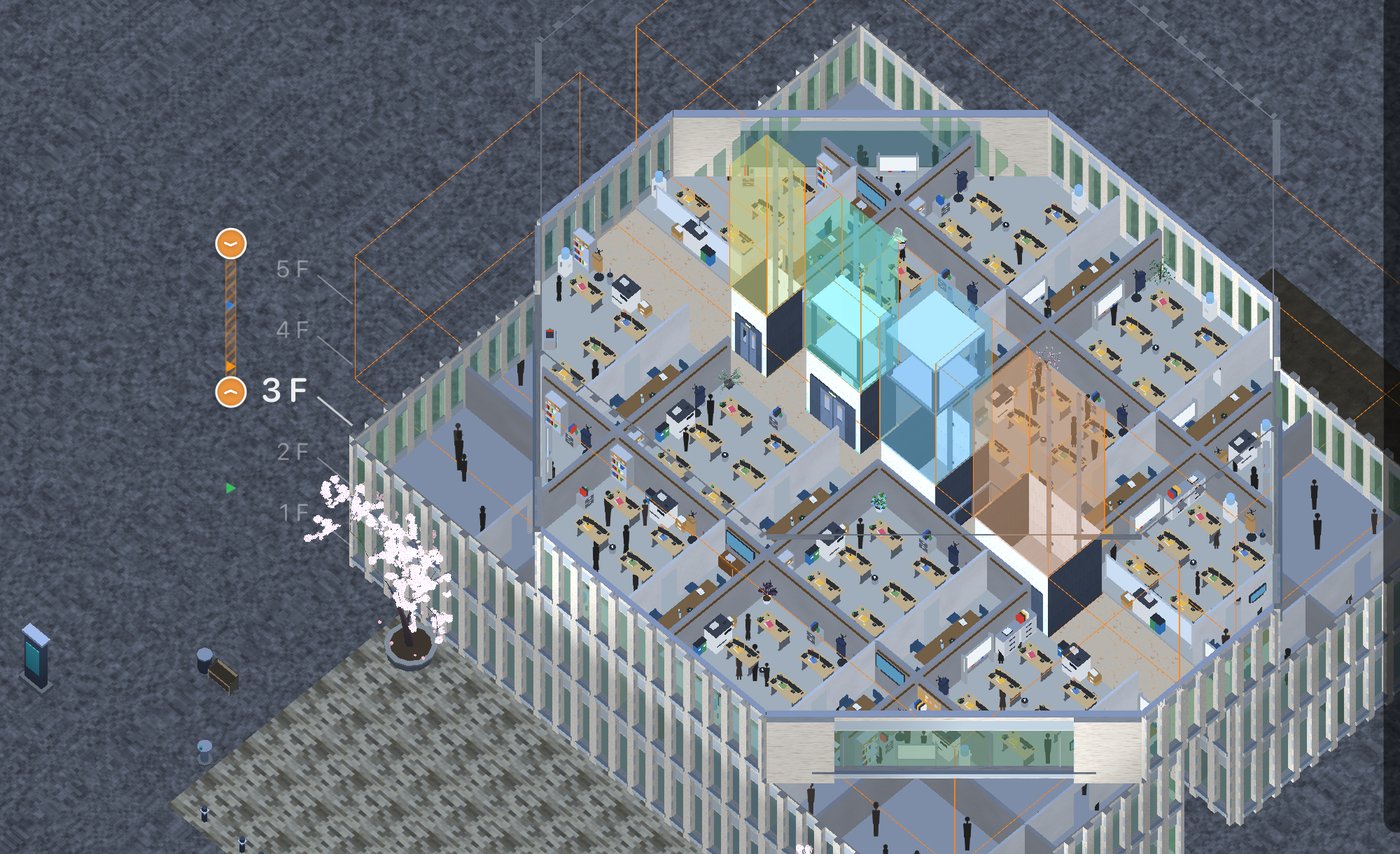
An office on a curved outer wall, selected: the size handles and the inspector are open The same office laid out again to follow the curve, its desks fanned along the window wall
The same office after the outer wall changed.
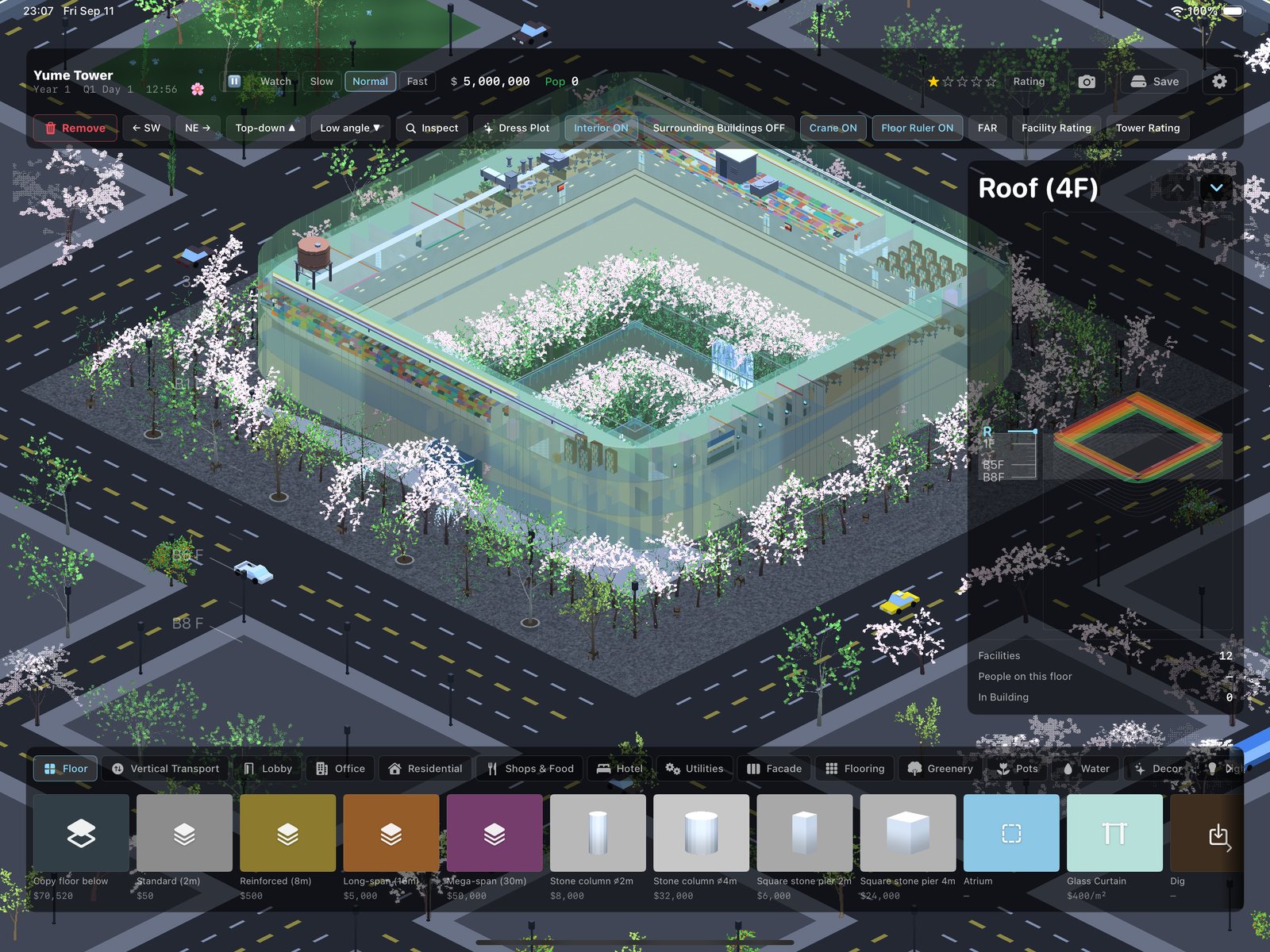
A sunken cherry-blossom garden courtyard surrounded by office desks
Open any floor and it keeps living: a sunken garden in blossom, and the desks that got the window seats.

Inside the tower

Cut away to any floor and the rooms are going about their business. Every interior below is generated by the game and drawn live: the bowling balls actually roll, and the crowd actually arrived by elevator.
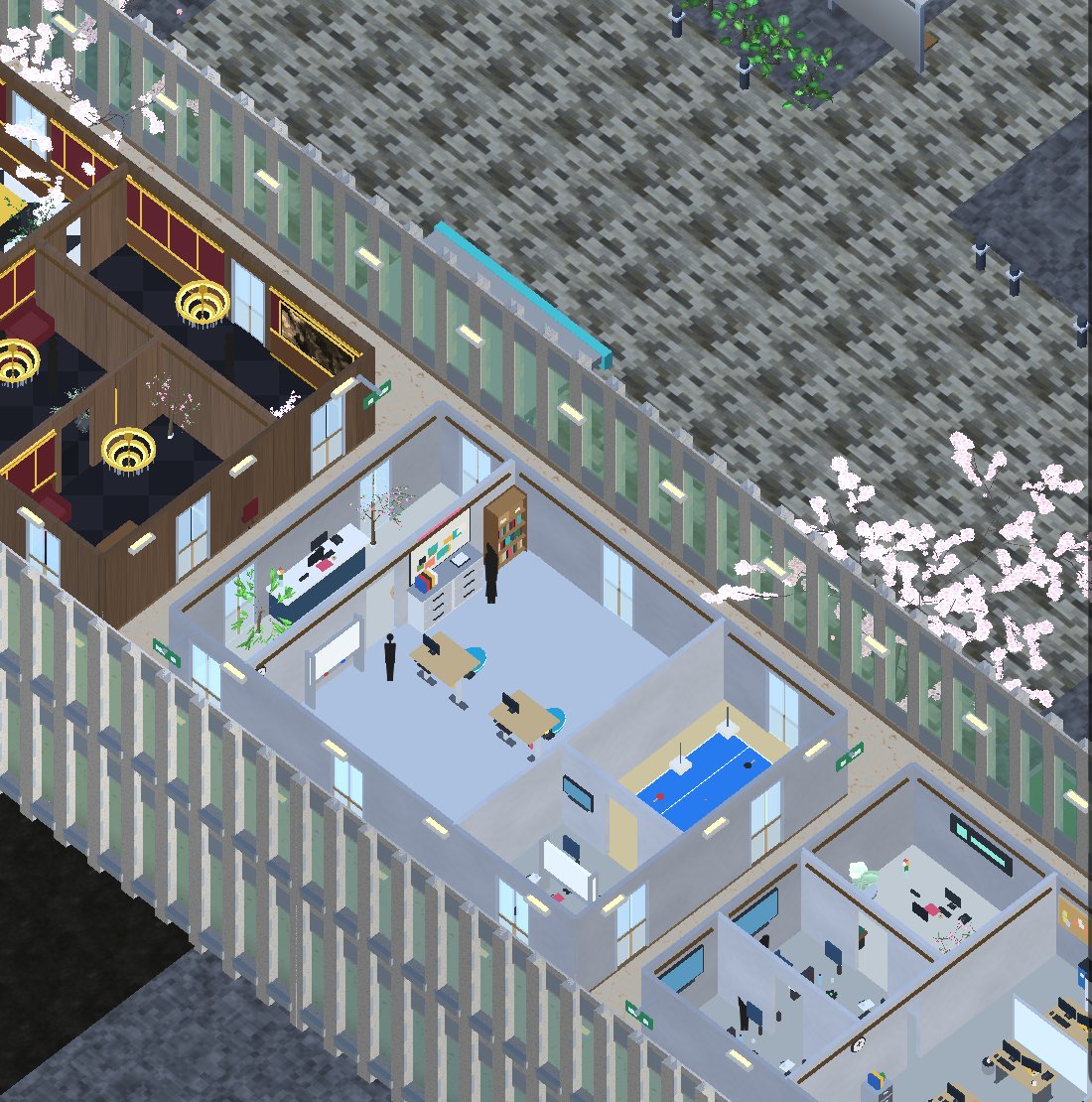
An office floor with a panelled executive suite, an open-plan office, a meeting room and cubicles
One office floor, three grades of tenant. The panelled suite with the chandeliers pays the most; the cubicles at the far end pay the least.
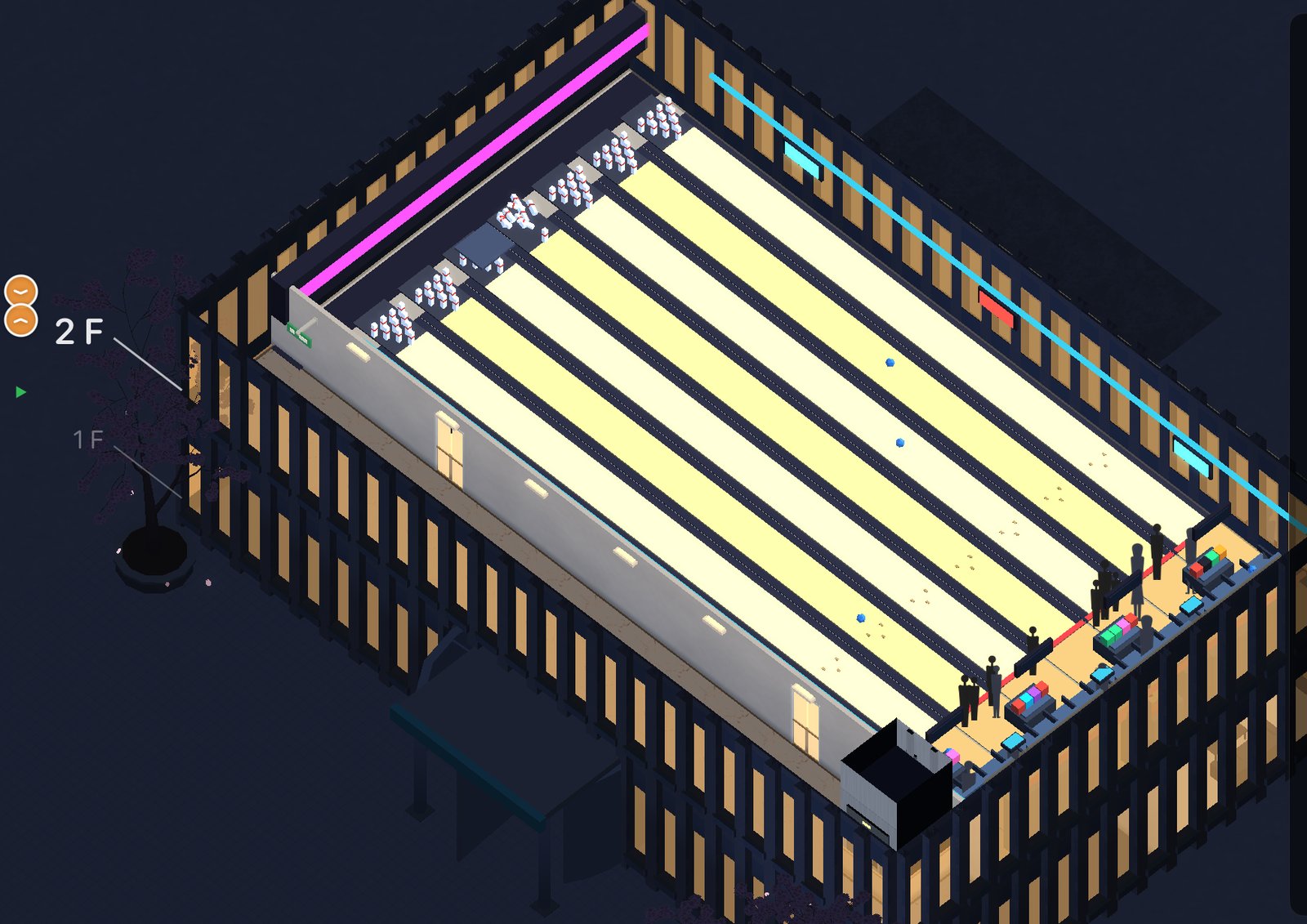
A bowling alley floor at night: lit lanes, seating, and a crowd of guests
League night at the bowling alley. The pins fall when the ball gets there, not before.
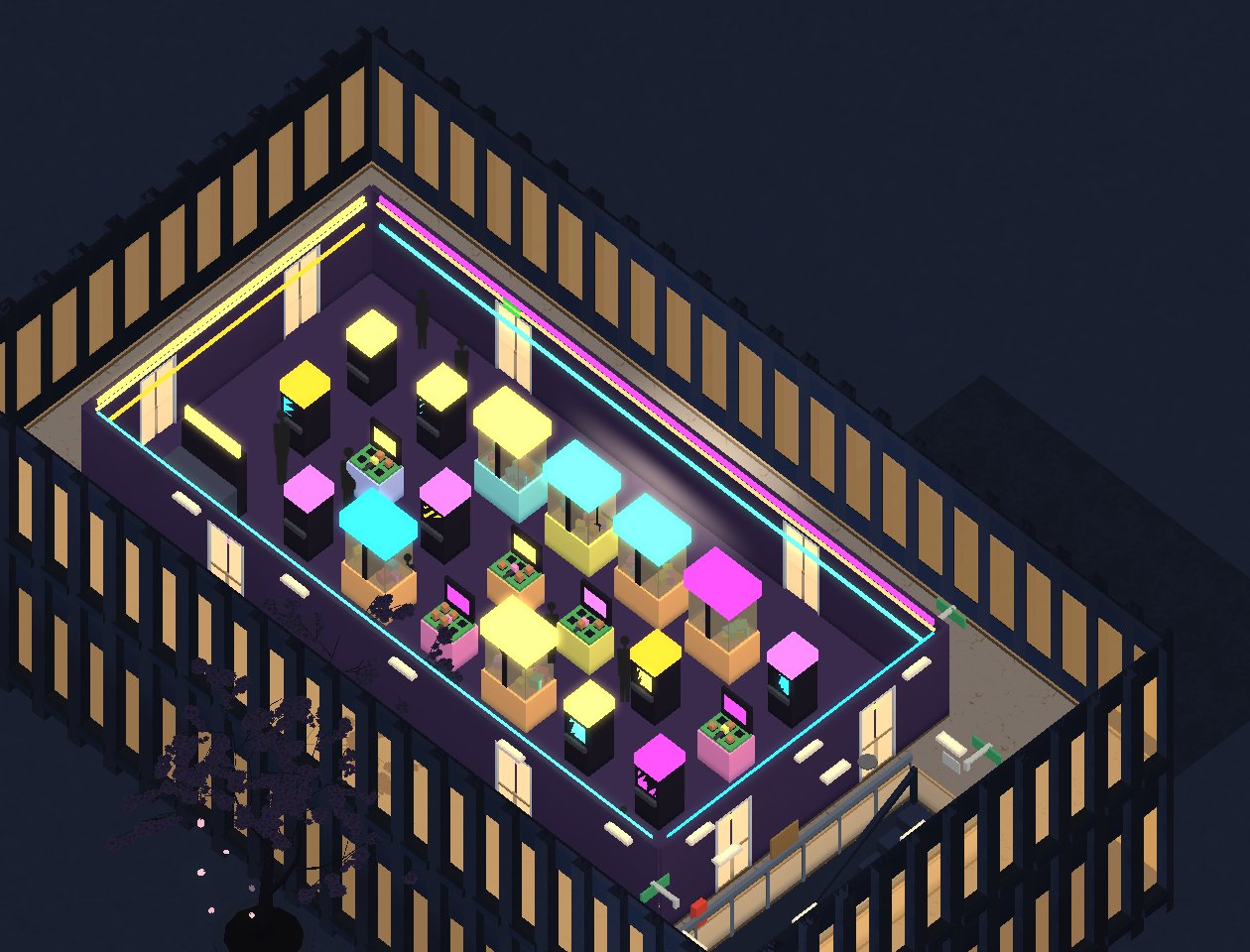
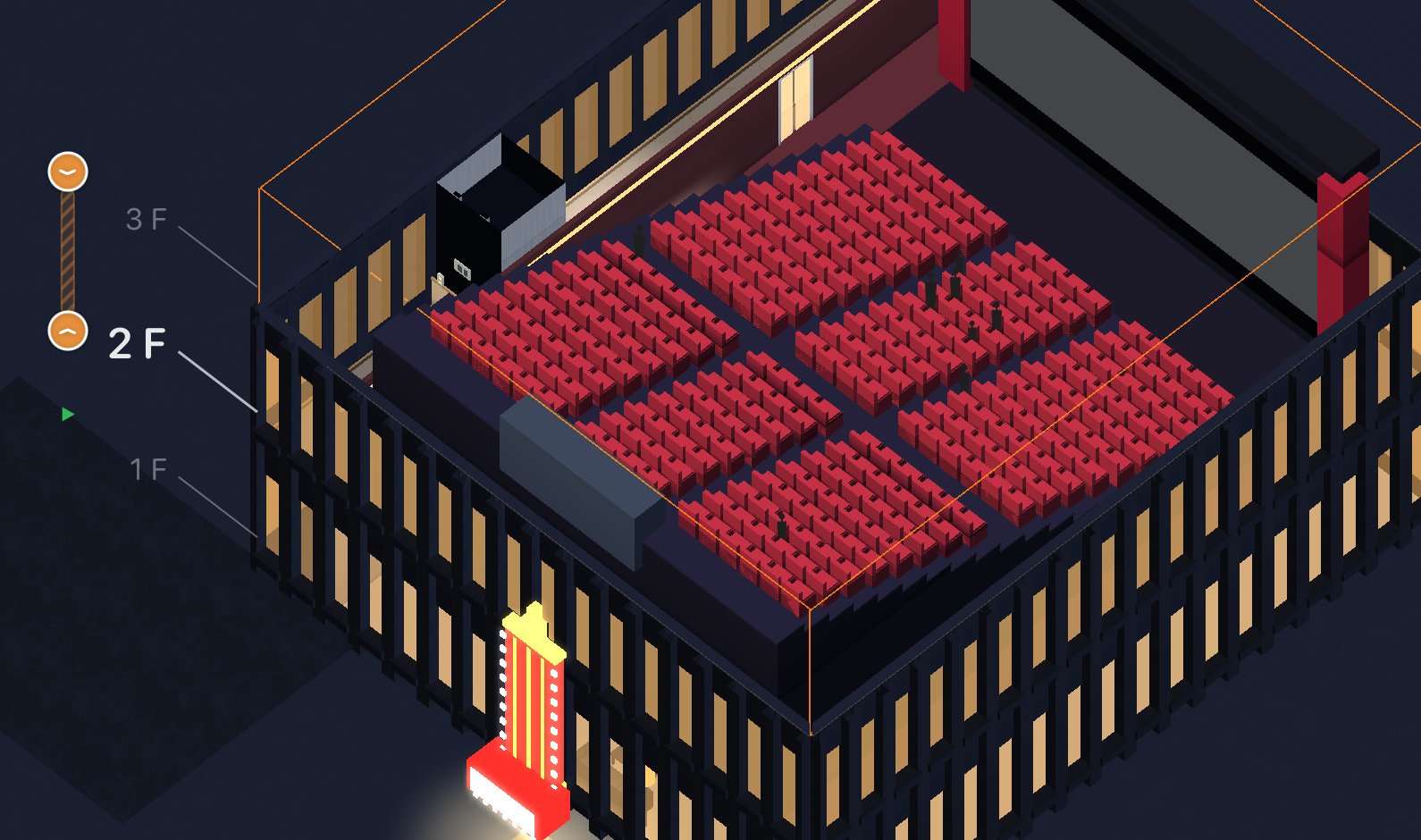
An arcade floor glowing with neon cabinets and claw machines A cinema auditorium with tiered red seats and an audience
Left: the arcade, open until midnight. Right: the 7 o'clock showing, seats filling from the middle out.
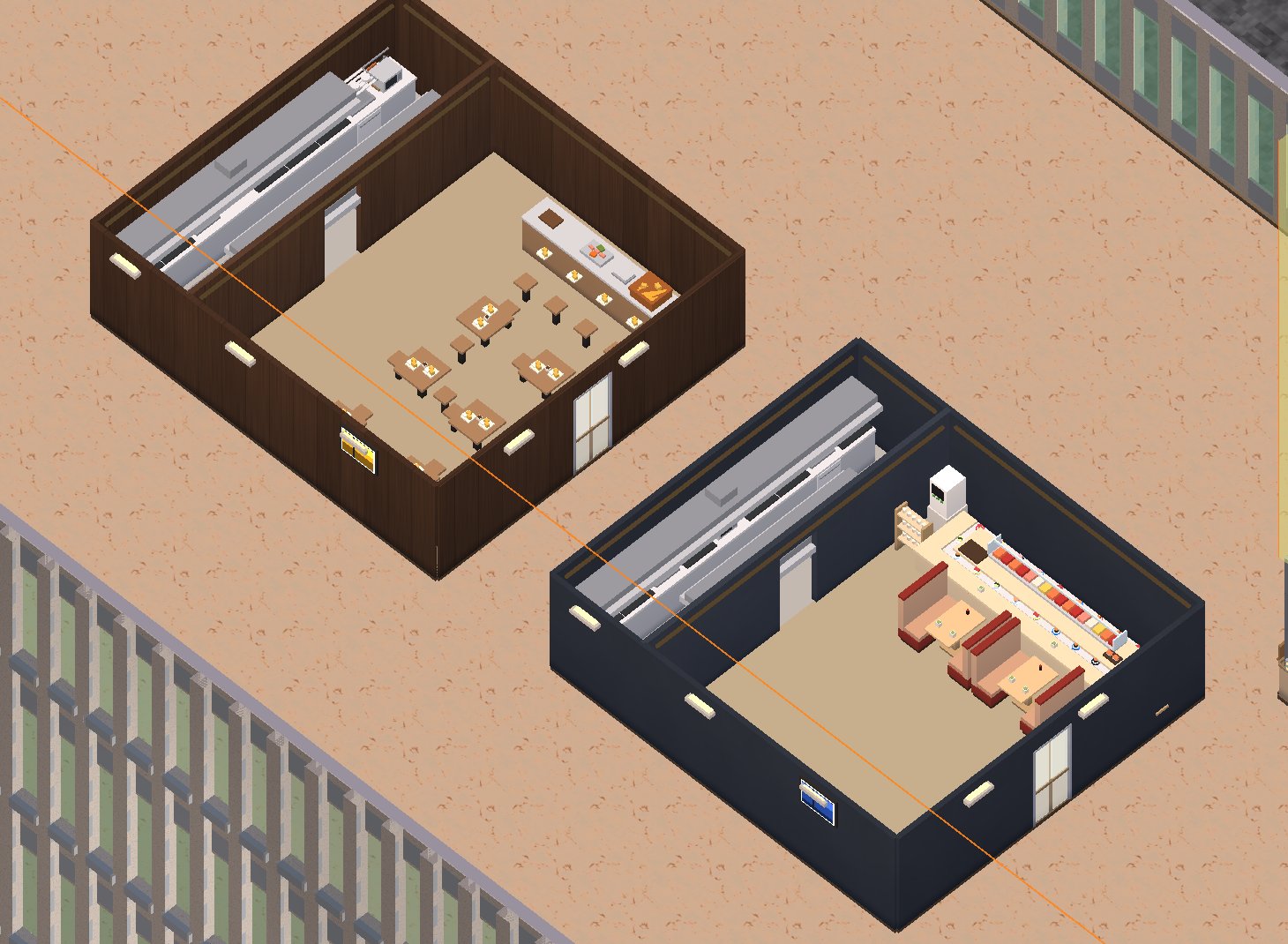
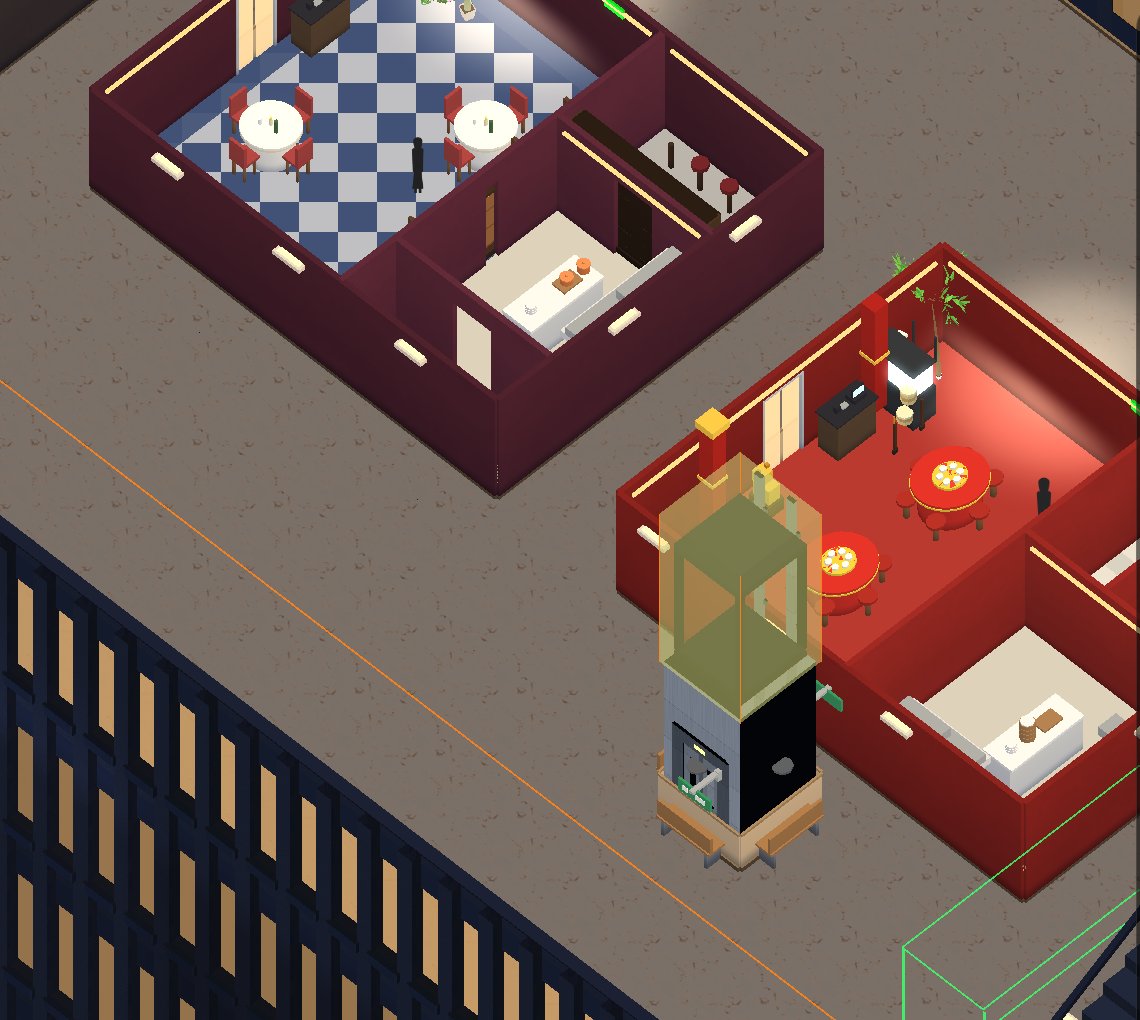
A sushi restaurant and a tempura restaurant seen from above at lunchtime A French dining room with a checkerboard floor next to a red Chinese restaurant at night
The restaurant floors. Sushi and tempura take the lunch shift; the French room and the red Chinese house take the evening.
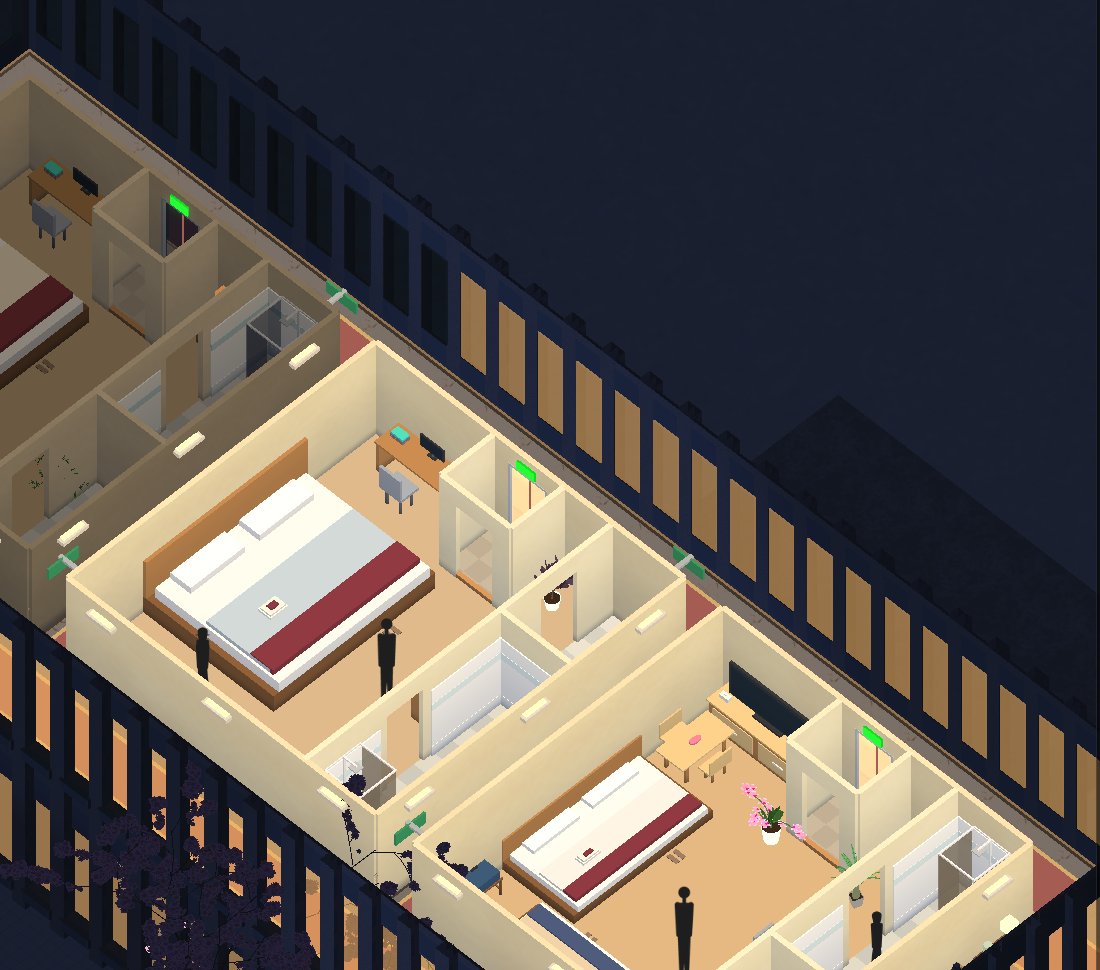
Three warm-lit hotel rooms at night with guests
Hotel rooms at nine in the evening. If housekeeping doesn't reach a room, you will hear about it.
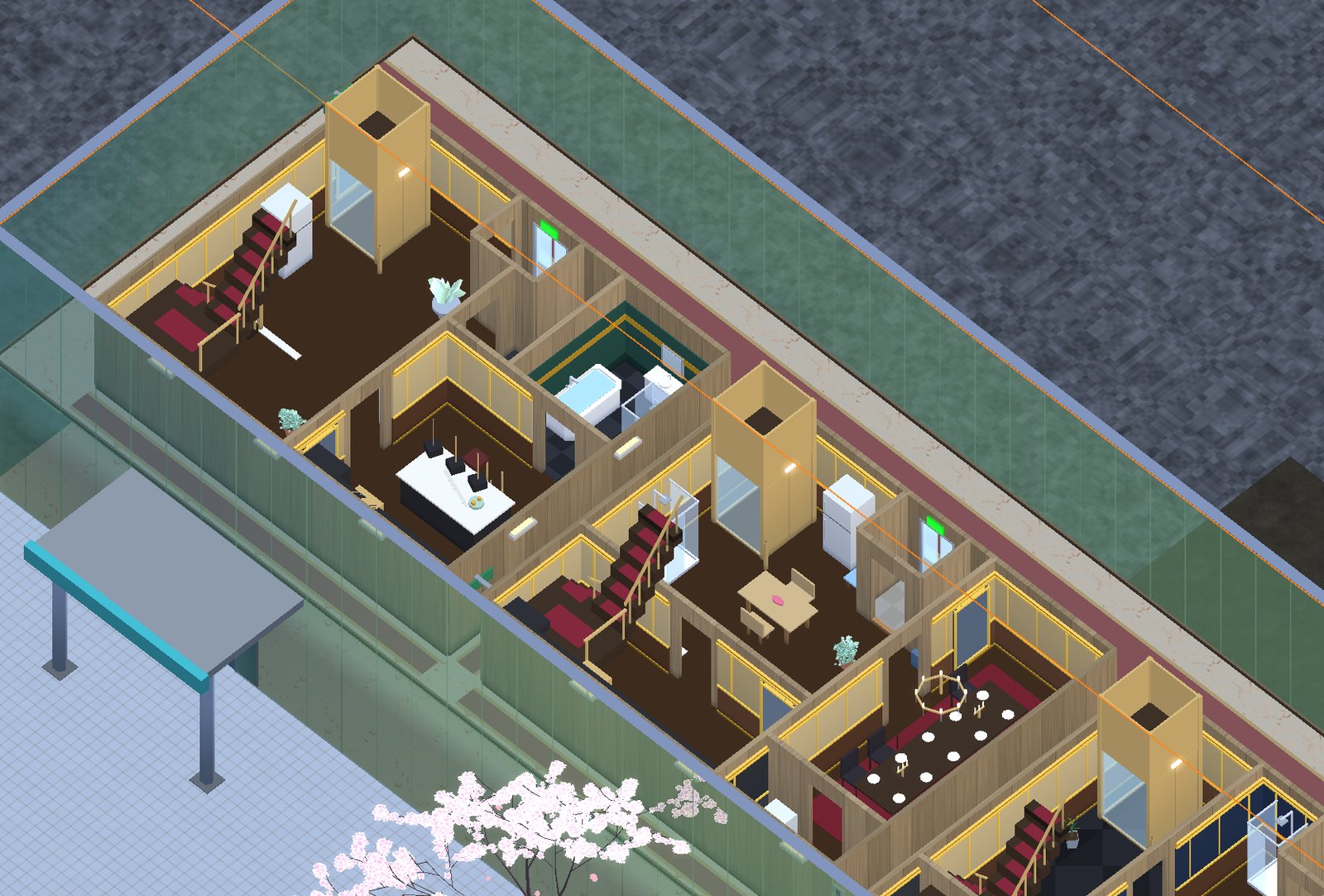
Two duplex maisonette apartments, each with a grand staircase and a private glass elevator
Duplex maisonettes. Each one gets a staircase with a velvet runner and its own private elevator, because the tenants paying that rent expect one.

Walking through it

Since version 1.2 you can go inside. Tap the front door, choose Explore, and you are standing just inside it at eye height. Walk wherever the floor goes: into the rooms, up the escalator, into an elevator car that actually travels. Tap a person and they will say something, usually about the wait.
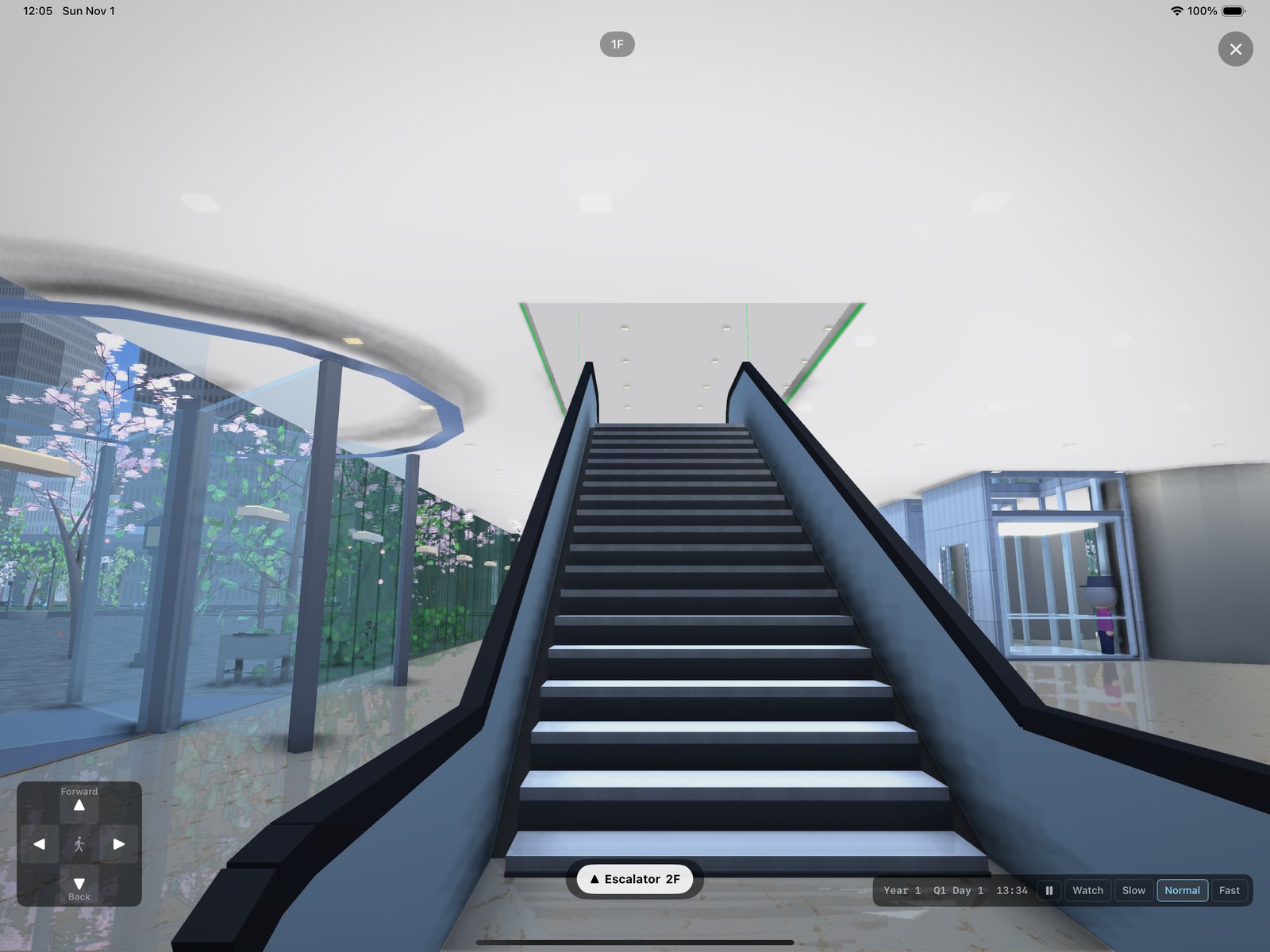
First-person view from the bottom of an escalator in a glass lobby, cherry trees outside
The escalator up from the lobby. It is the same escalator you placed from above; it just looks taller from here.
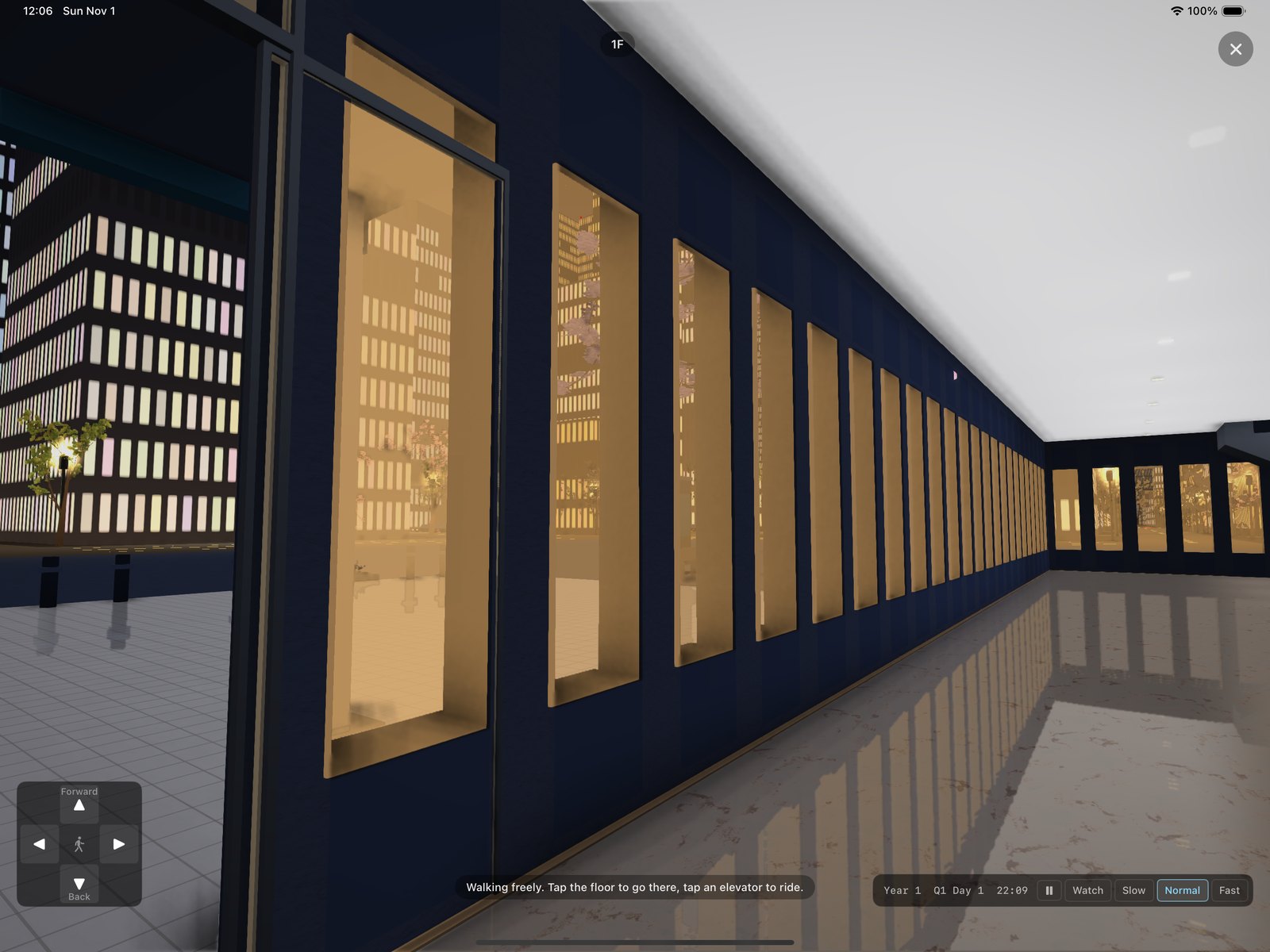
First-person view of a hotel lobby at night, lit windows along the wall and the city outside
The hotel lobby at ten in the evening. The windows are lit because the rooms behind them have guests.

The other new way to look is the section: a chip cuts the tower vertically and shows every floor at once, with the people on all of them. Tap a room on the cut face to inspect it.
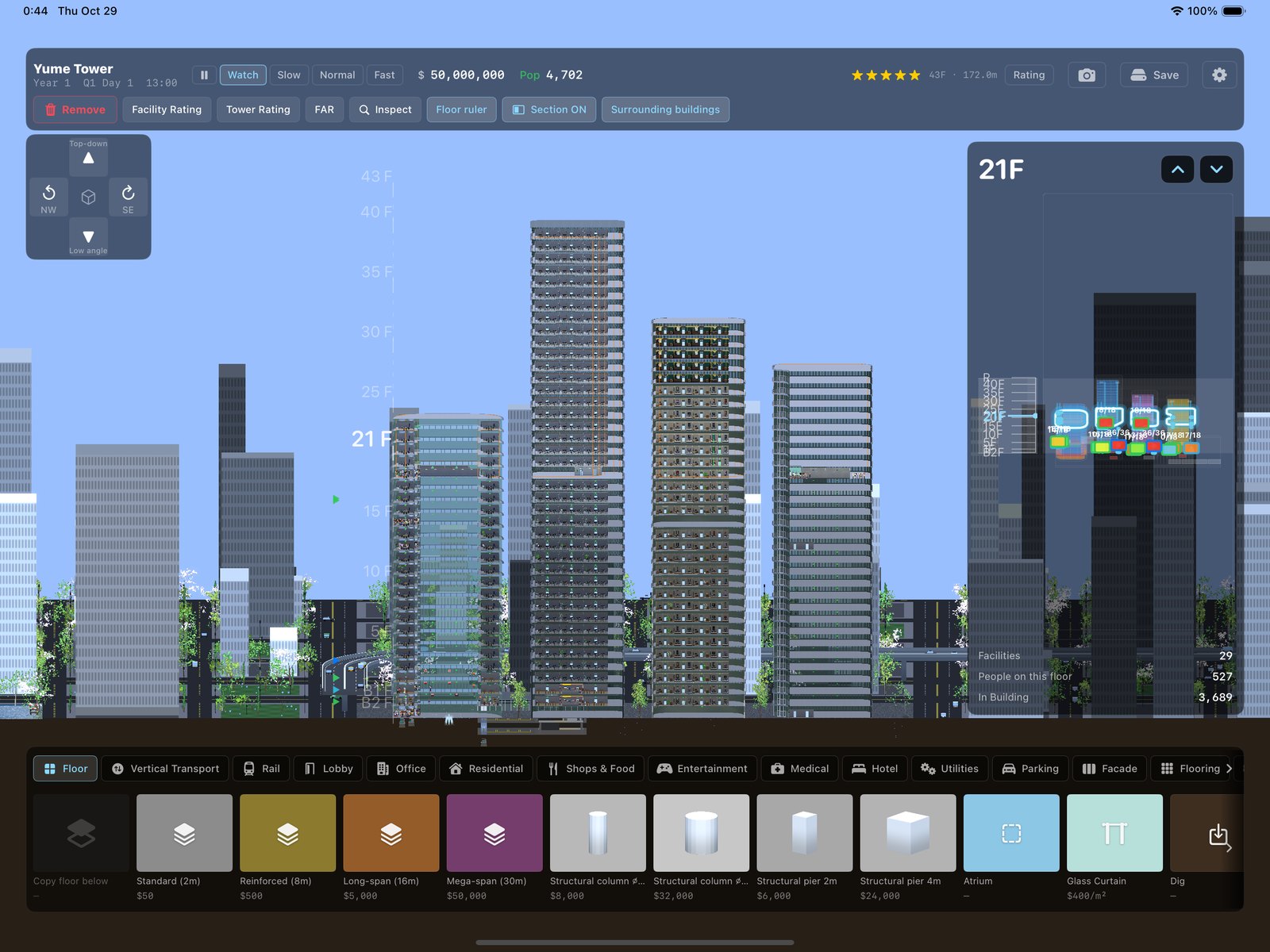
Four towers cut vertically, every floor visible at once with people on each floor
The section view. Forty floors of tenants, visible at the same time.

Where you build

The city is the ordinary place to start: roads, neighbours, a monorail if you want one. The other plots are less reasonable: a patch of open sea, a desert with one road and some oil pumps, terraced ground that rather wants to become a pyramid.
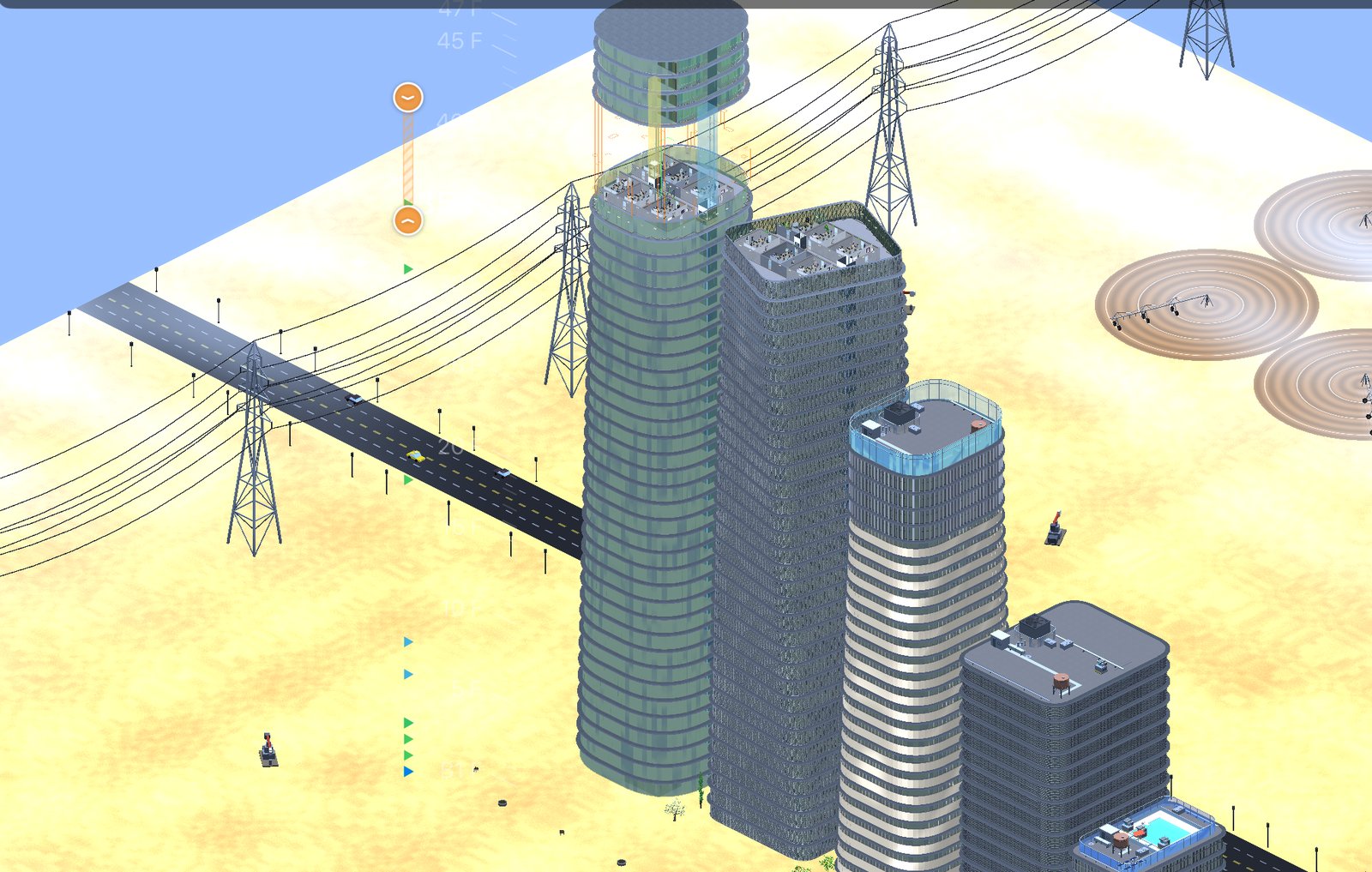
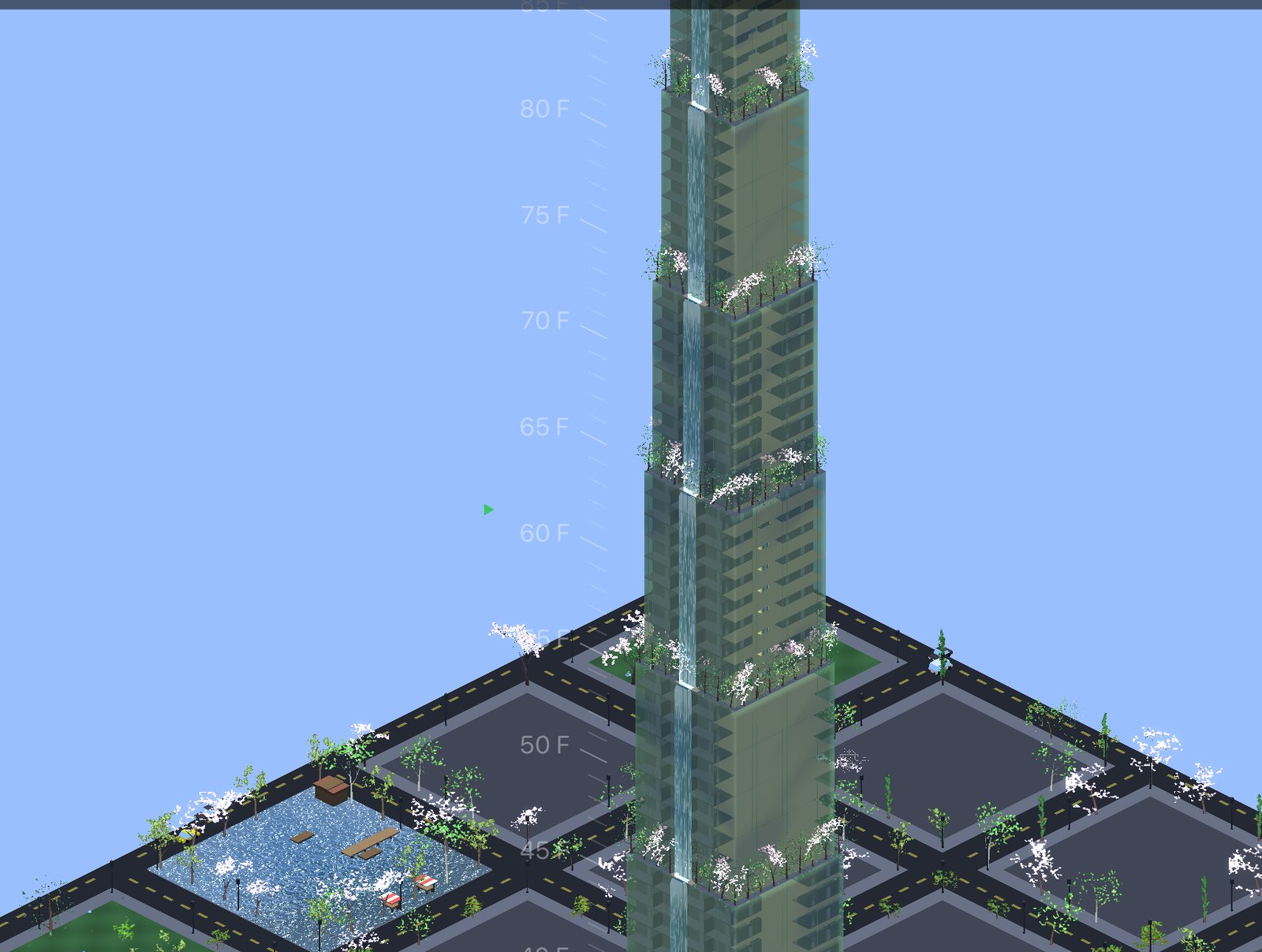
Glass towers over desert with crop circles and power lines A stepped glass pyramid tower with water cascading down its terraces
Left: the desert, where every tree is an act of defiance. Right: a pyramid, because the terraces make the water cascade by themselves.
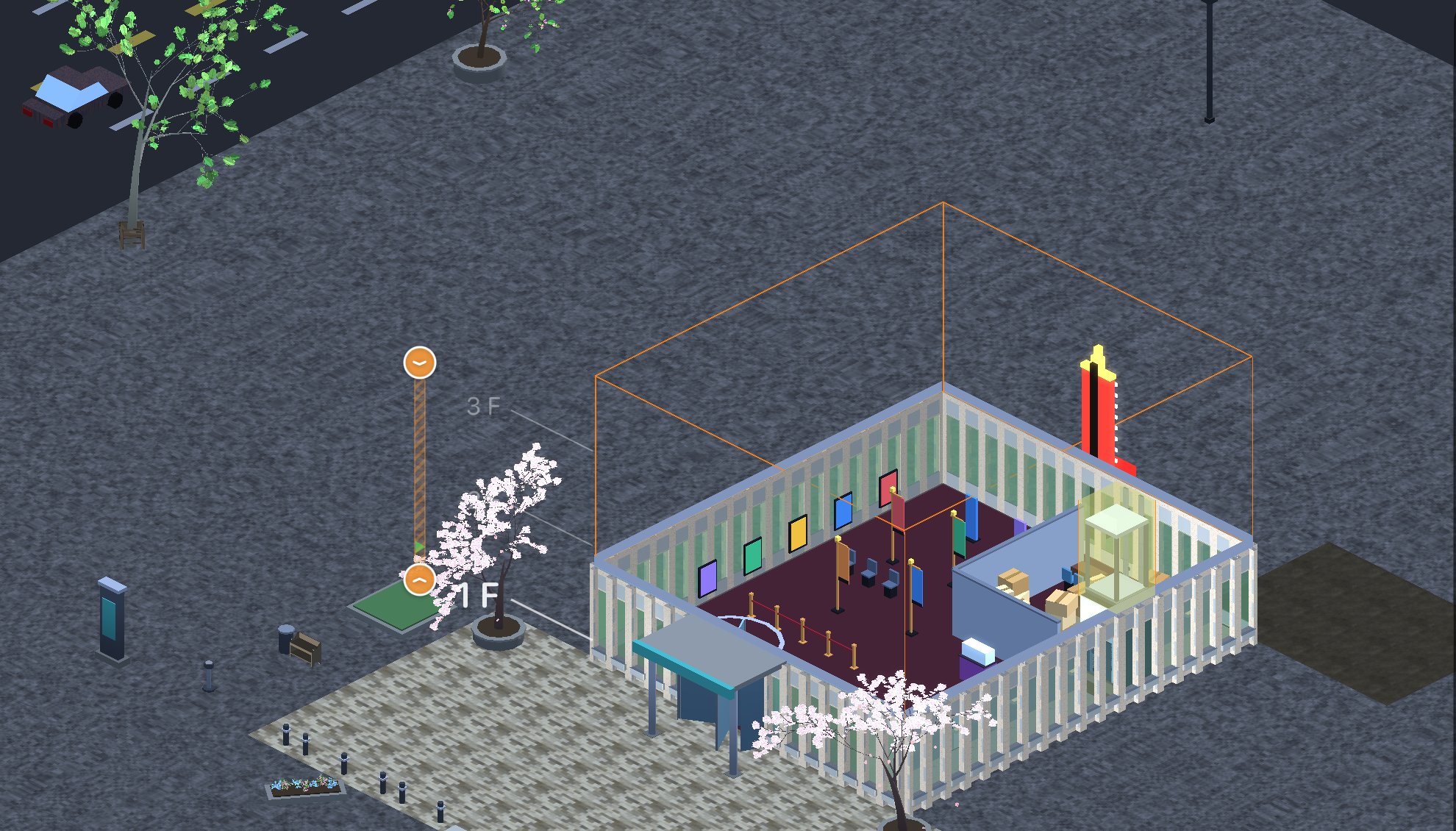
A small cinema building with a paved forecourt, planters, a waiting shelter and blossom trees
Whatever you put up, the ground around it gets laid out to match: paving, planters, bollards, a shelter to wait under. It is all ordinary decoration, so you can move a planter, delete the bollards, or buy more trees.

A whole day, every day

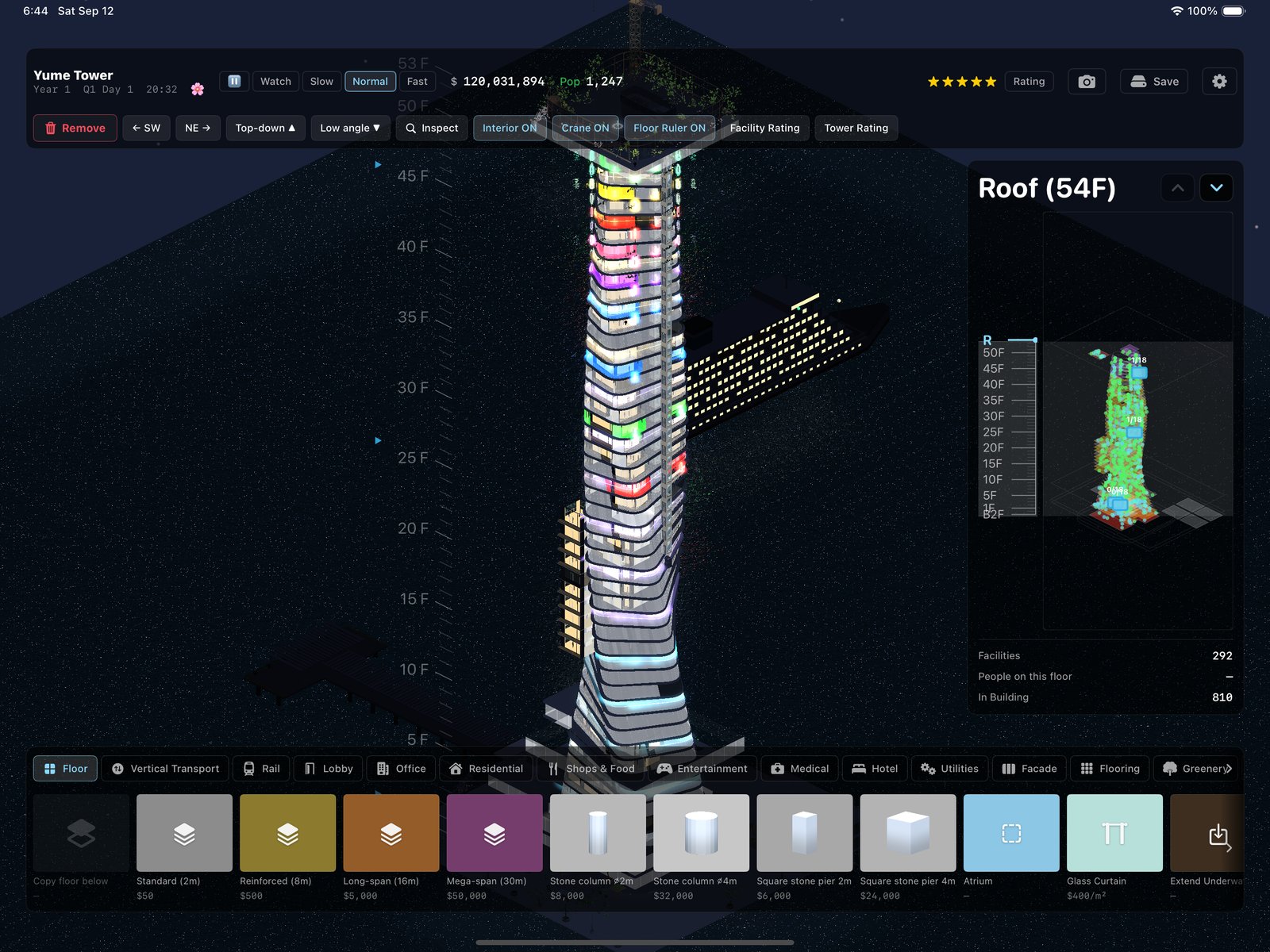
The tower runs on a clock. Offices fill in the morning and empty in waves in the evening; the restaurants get their rush at noon; the windows that light up at night are the rooms that actually have someone in them.
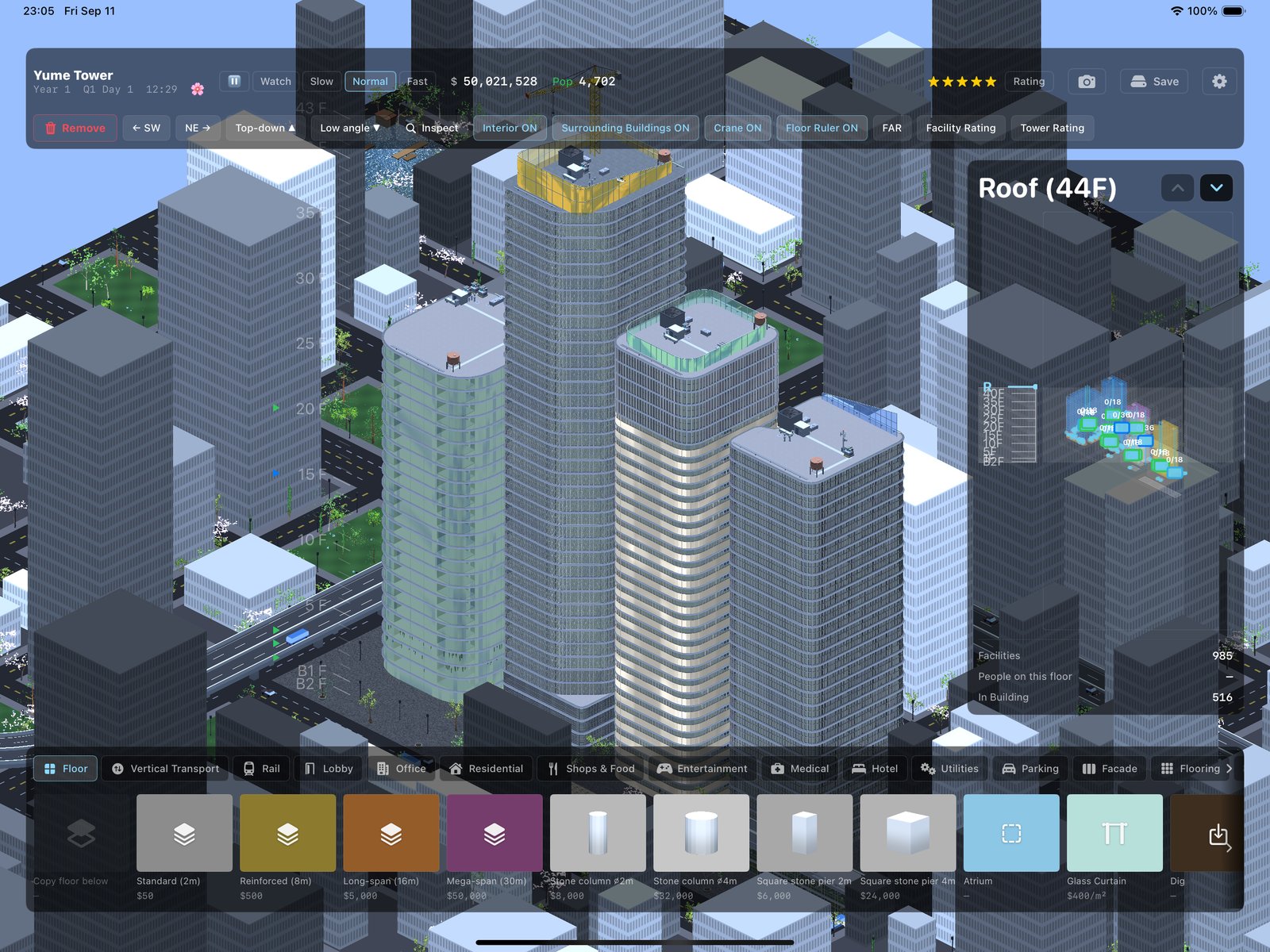
The tower district at midday The sea tower at night with coloured facility lights
Midday in the city; midnight on the sea.

Getting people there

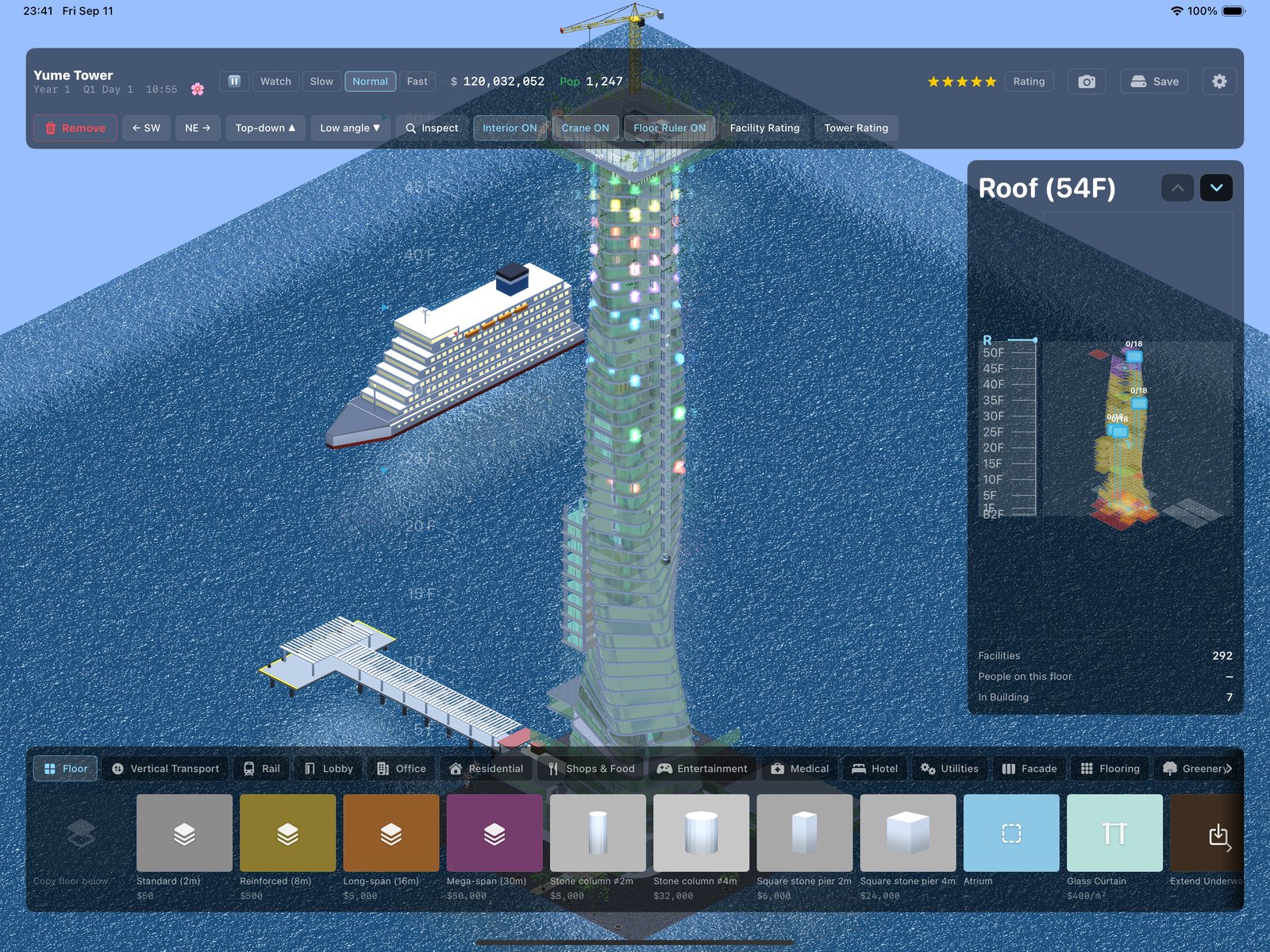
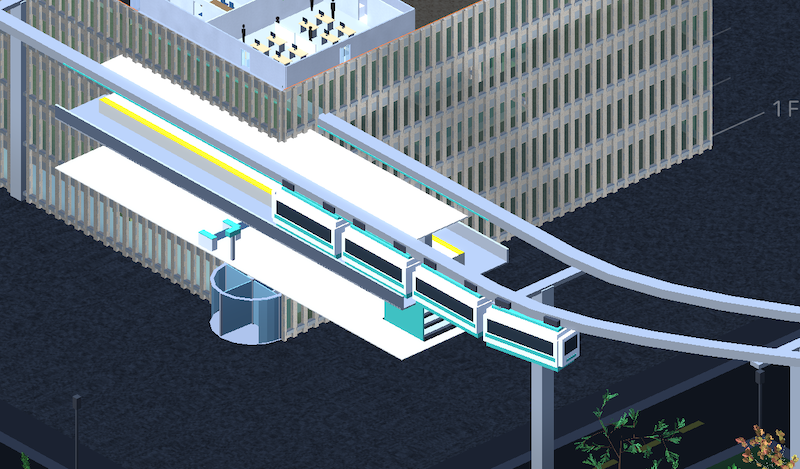
People have to reach the tower somehow. In the city that means a monorail or a subway station in the lower floors. On the sea it means a ferry, and when it docks at noon the lobby knows about it.
A large white ferry docked at a pier beside a sea tower
The ferry, docked. It leaves in the evening whether your visitors are done or not.
A monorail platform seen from above: a train standing at the platform doors with passengers waiting
Monorail test on YouTube

FAQ, Privacy & Support

New to the game? The manual covers everything in ten minutes. Platforms, pricing, saves and the rest are answered in the FAQ.

There are no ads and no tracking. You don't need an account, and your saved towers stay on your device. The full policy is here.

Questions or bug reports: dev@yumetower.com. English or Japanese are both fine. The support page has what to include and how refunds work.

Streamers and YouTubers: videos of the game are always welcome, monetized or not, no need to ask. The creators page is your standing permission, and we'd love to see what you make.

Elsewhere

Manual · Known issues · X · YouTube